Stop Struggling with Document Formats — Markdown Converter Pro Makes It Effortless
If you've ever spent time wrestling with document format conversions — copying Markdown into Word, reformatting PDFs, or cleaning up HTML exports — you know how tedious it can be. That's exactly why I want to introduce Markdown Converter Pro, an online tool that handles bidirectional conversion between Markdown and PDF, Word, and HTML.
What Does Markdown Converter Pro Do?
Markdown Converter Pro is a web-based SaaS tool that supports 6 core conversion directions:
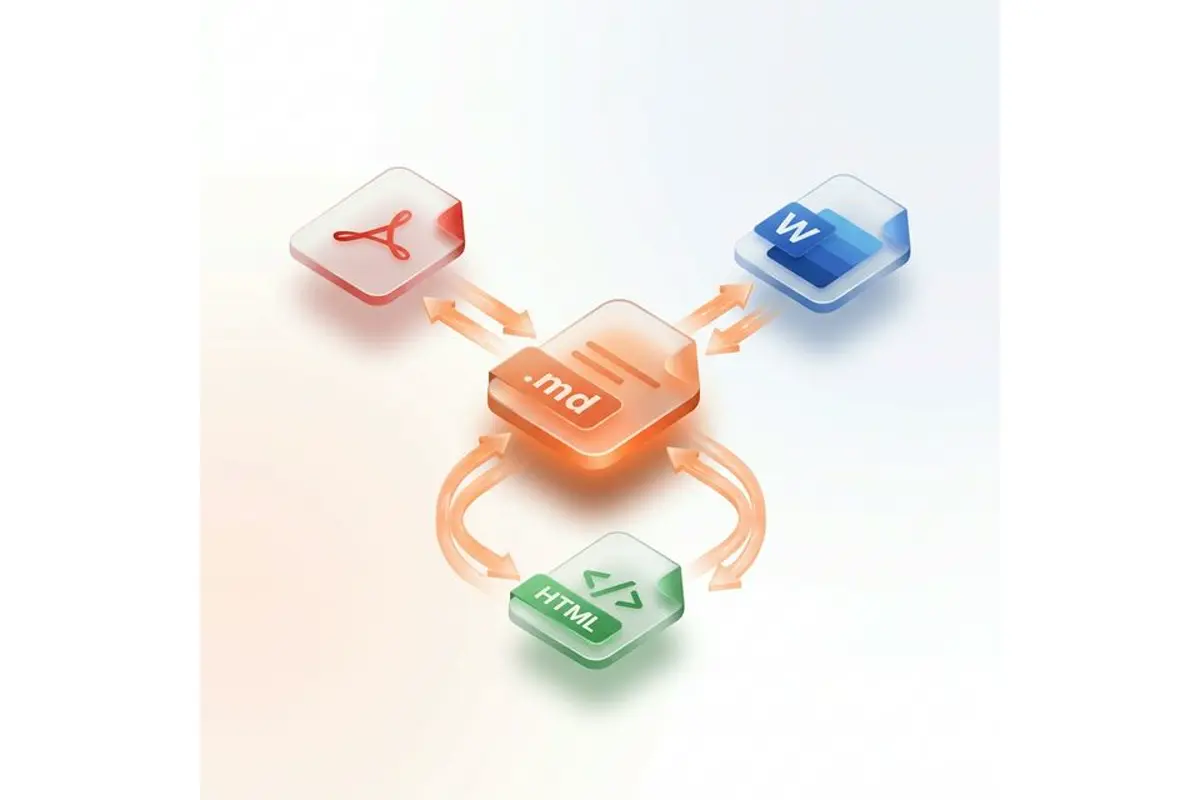
- Forward conversions: Markdown to PDF, Markdown to HTML, Markdown to Word
- Reverse conversions: PDF to Markdown, HTML to Markdown, Word to Markdown
Unlike most converters that only work in one direction, Markdown Converter Pro supports bidirectional conversion — so you can go from PDF back to Markdown just as easily as Markdown to PDF.
How It Works — 3 Simple Steps

- Upload your file (Markdown, PDF, Word, or HTML)
- Choose your target format
- Download the converted file — done!
The entire process takes seconds, with no software to install.
Key Features That Stand Out
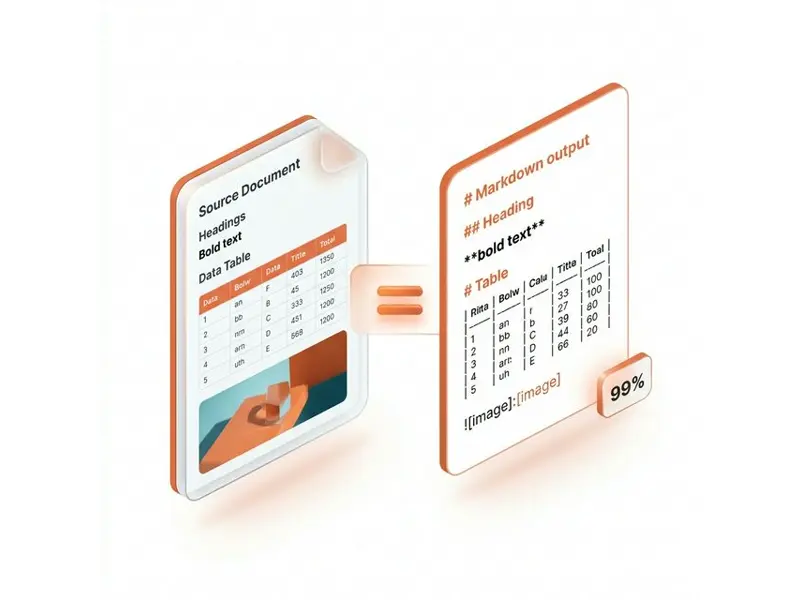
Here's what makes Markdown Converter Pro worth trying:
- Accurate formatting preservation — tables, code blocks, images, and styles are maintained during conversion
- GFM support — full GitHub Flavored Markdown compatibility, including task lists and tables
- LaTeX math rendering — perfect for academic and technical documents
- Syntax highlighting — code blocks are beautifully rendered in PDF and HTML output
- Batch processing — convert multiple files at once to save time
- Security first — all transfers over HTTPS, no permanent file storage on servers
Who Is It For?

The tool is designed for a wide range of users:
- Developers — convert README files and technical docs to PDF or Word for sharing with non-technical stakeholders
- Academics & Researchers — transform research papers between formats while preserving LaTeX equations
- Technical Writers — streamline documentation workflows across multiple output formats
- Marketing Teams — repurpose content from one format to another without manual reformatting
Pricing — Free to Start
Markdown Converter Pro uses a credit-based pricing model. New users get 10 free credits to try it out — no credit card required. Paid plans start at just $7.90 for 50 credits, with the Pro plan offering 300 credits at $24.90 (47% savings per credit). Check the pricing page for full details.
Multilingual Support
The platform supports 13 languages including English, Chinese, Japanese, Korean, German, Spanish, French, and more — making it accessible to users worldwide.
Learn More on Their Blog
The team also maintains a helpful blog with practical guides like:
- What is Markdown? — a beginner-friendly introduction
- Markdown Basic Syntax Guide
- Free Markdown to PDF Tools: Complete 2026 Guide

Final Thoughts
If you regularly work with Markdown and need to convert documents to PDF, Word, or HTML (or the other way around), Markdown Converter Pro is a clean, fast, and reliable option. The free tier lets you test it without commitment, and the conversion quality is solid — especially for code blocks, tables, and math equations.
Give it a try at markdownconverter.pro and see if it fits your workflow.
评论
发表评论